Replacing Watchtower with WUD on Synology: Docker Updates, Portainer and Telegram

How I migrated from Watchtower to What's Up Docker on Synology, with selective 02:00 auto-updates, Portainer, Telegram alerts and a real Plex update test.

Monitoring projects using Grafana, Prometheus, Home Assistant and custom dashboards to observe Realm Labs systems.
How I migrated from Watchtower to What's Up Docker on Synology, with selective 02:00 auto-updates, Portainer, Telegram alerts and a real Plex update test.
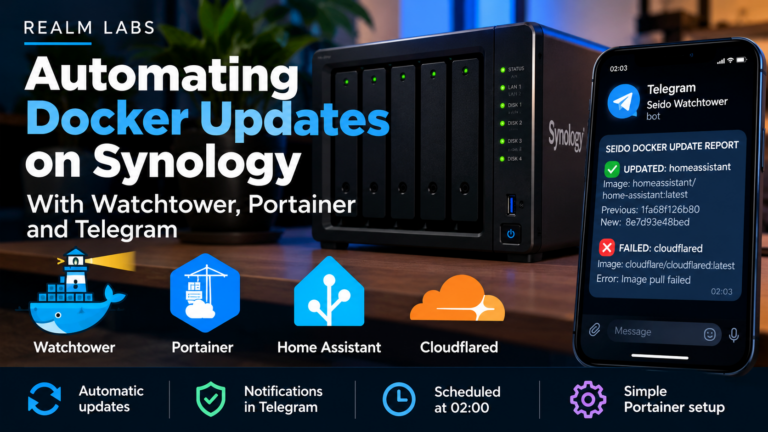
My working Synology Docker watchdog: Watchtower checks selected Portainer containers at 2 AM, recreates updated images, and alerts via Telegram only on changes or failures.

A real homelab migration from Synology Docker to Proxmox LXCs: Grafana dashboards, Prometheus TSDB history, SNMP Exporter, Synology-hosted YAML sync, NFS gotchas, rollback and actual RAM savings.

Grafana dashboards became painfully slow even though CPU and RAM looked fine. The real cause was a duplicate Docker MAC address on a Synology-hosted bridge network — and the fix exposed a useful lesson about stale neighbour entries too.

How I made the KITT Control Centre match Proxmox LXC CPU, RAM and disk figures by combining prometheus-pve-exporter with node_exporter, Prometheus and PromQL.
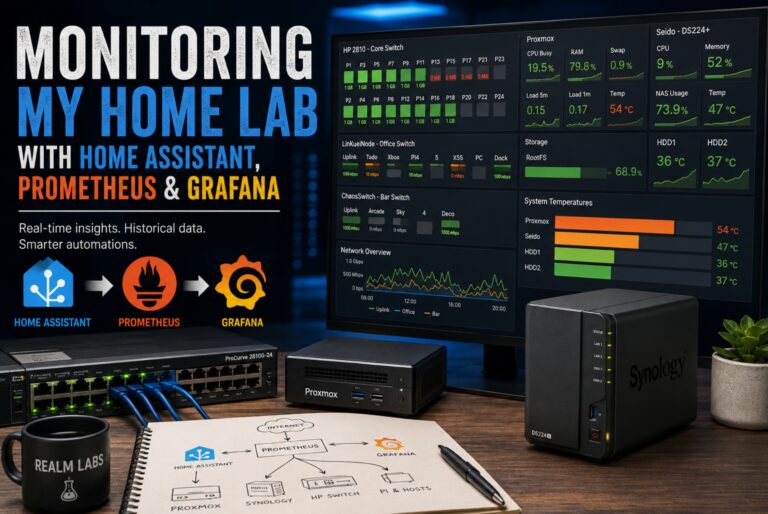
Monitoring Realm Labs didn’t start as one big project. Like most things in the home lab, it grew. Initially, I just wanted to know whether a Raspberry Pi was getting hot. Then I wanted to know what Proxmox was doing.…
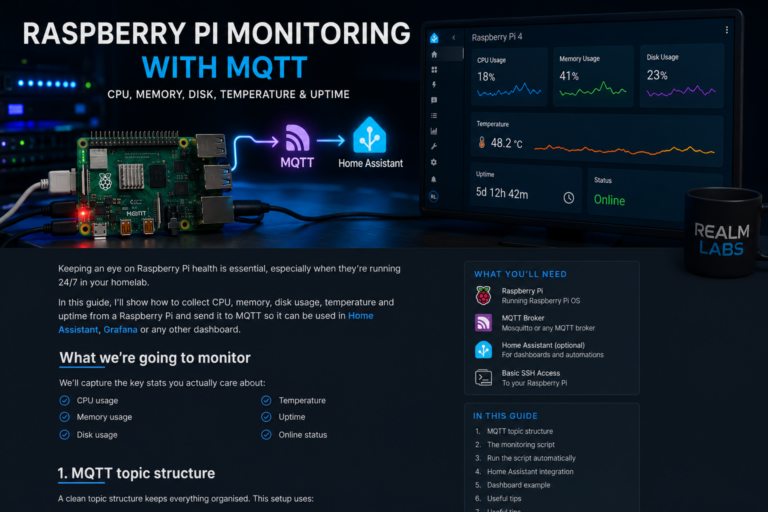
Monitor Raspberry Pi CPU, memory, disk, temperature and uptime in Home Assistant using Python and MQTT, with current Paho 2.x guidance and stale-data protection.
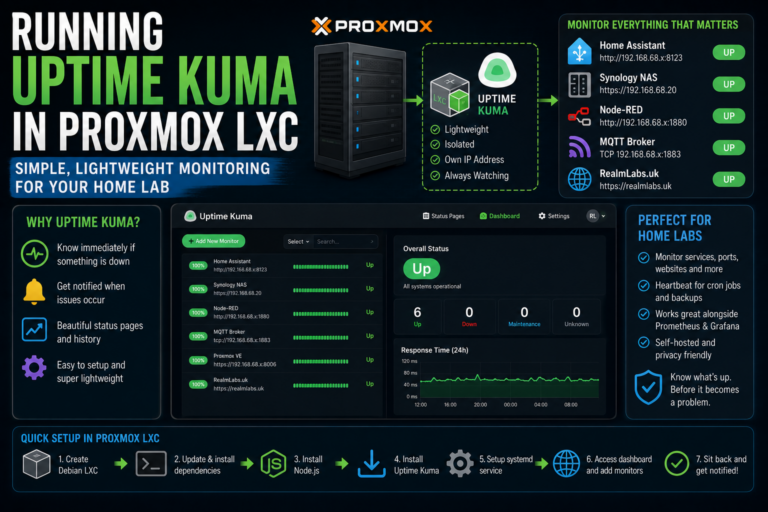
As Realm Labs grew, I already had Prometheus and Grafana giving me detailed metrics about the infrastructure. CPU load. Memory. Storage. Network interfaces. Service performance. That was useful, but it answered a very specific question: What I also wanted was…