
Introduction
A smart home is not just about connecting devices together.
The way information is displayed and controlled is just as important.
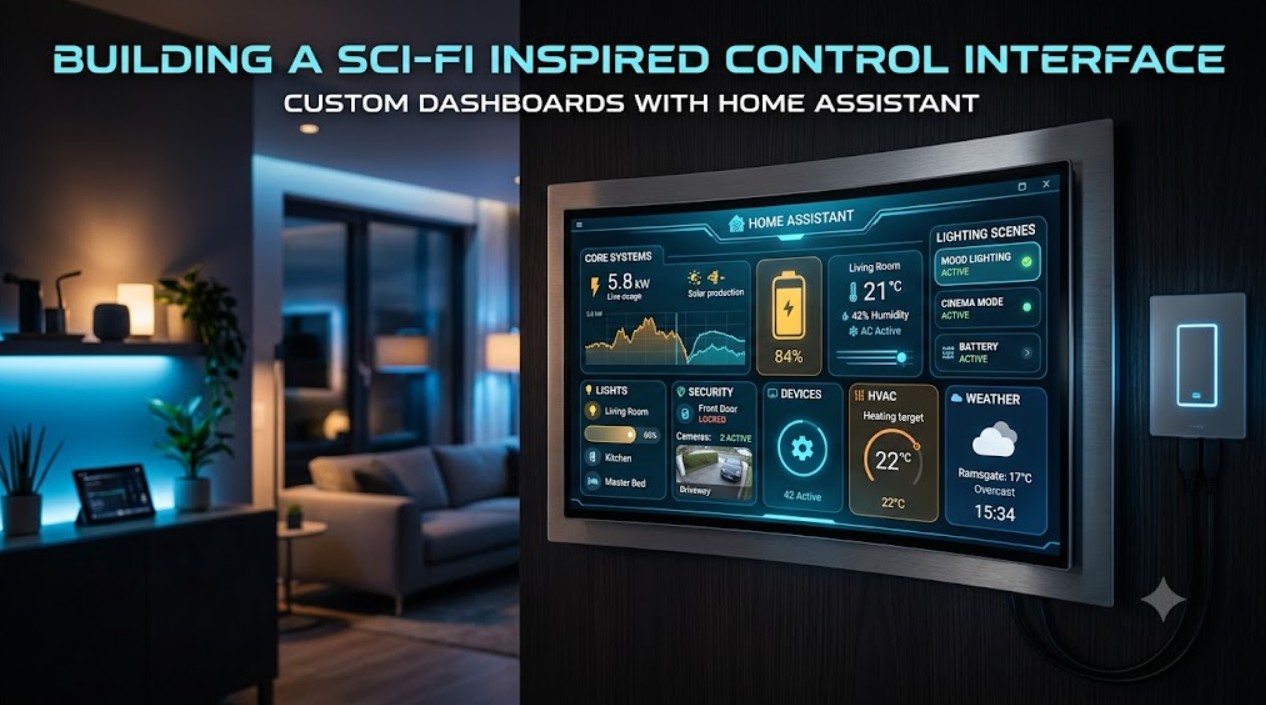
As Realm Labs expanded, I wanted a dashboard that felt less like a collection of switches and more like a proper control system.
This led to the creation of custom Home Assistant dashboards inspired by futuristic computer interfaces.
The Goal
The aim was to create an interface that was:
- Easy to use
- Visually engaging
- Information rich
- Customisable
- Integrated with the wider home lab
Instead of opening multiple apps to check different systems, the dashboard provides a single control point.
Home Assistant as the Interface Layer
Home Assistant provides the foundation for the dashboard.
It brings together information from:
- Smart devices
- Sensors
- Network equipment
- Servers
- Custom projects
The dashboard becomes the visual layer sitting above the technology underneath.
Customising the Experience
A major part of the project was moving beyond the default interface.
Custom elements allow dashboards to include:
- Different layouts
- Custom cards
- Status displays
- Animated elements
- Visual indicators
This makes the interface feel like a purpose-built control system.
MQTT Integration
MQTT plays an important role in connecting custom projects with the dashboard.
Devices and services can exchange messages, allowing the interface to:
- Display status
- Trigger actions
- Control hardware
- Update information in real time
This creates a communication bridge between software and physical devices.
Monitoring the Home Lab
The dashboard is not only for smart home devices.
It can also display infrastructure information:
- Server status
- Network health
- Storage information
- System availability
This brings the entire Realm Labs environment together in one place.
Design Philosophy
The goal was not simply to make something that looks impressive.
A good interface should make technology easier to understand.
The best dashboards provide:
- Important information at a glance
- Clear controls
- Useful feedback
- Logical organisation
Lessons Learned
Creating custom dashboards combines many different skills:
- Front-end design
- Automation logic
- Device integration
- Data presentation
It highlights how software design can improve the experience of using technology.
Future Improvements
Future plans include:
- More custom cards
- Voice integration
- AI-assisted controls
- Additional system monitoring
- More interactive displays
Conclusion
The Home Assistant dashboard has become the visual command centre of Realm Labs.
It demonstrates how infrastructure, automation and design can come together to create a personalised technology experience.
A home lab is not just something you run — it is something you interact with.