
Introduction
A home lab is not only about servers and applications.
The devices connecting to the infrastructure also need to be managed, maintained and configured consistently.
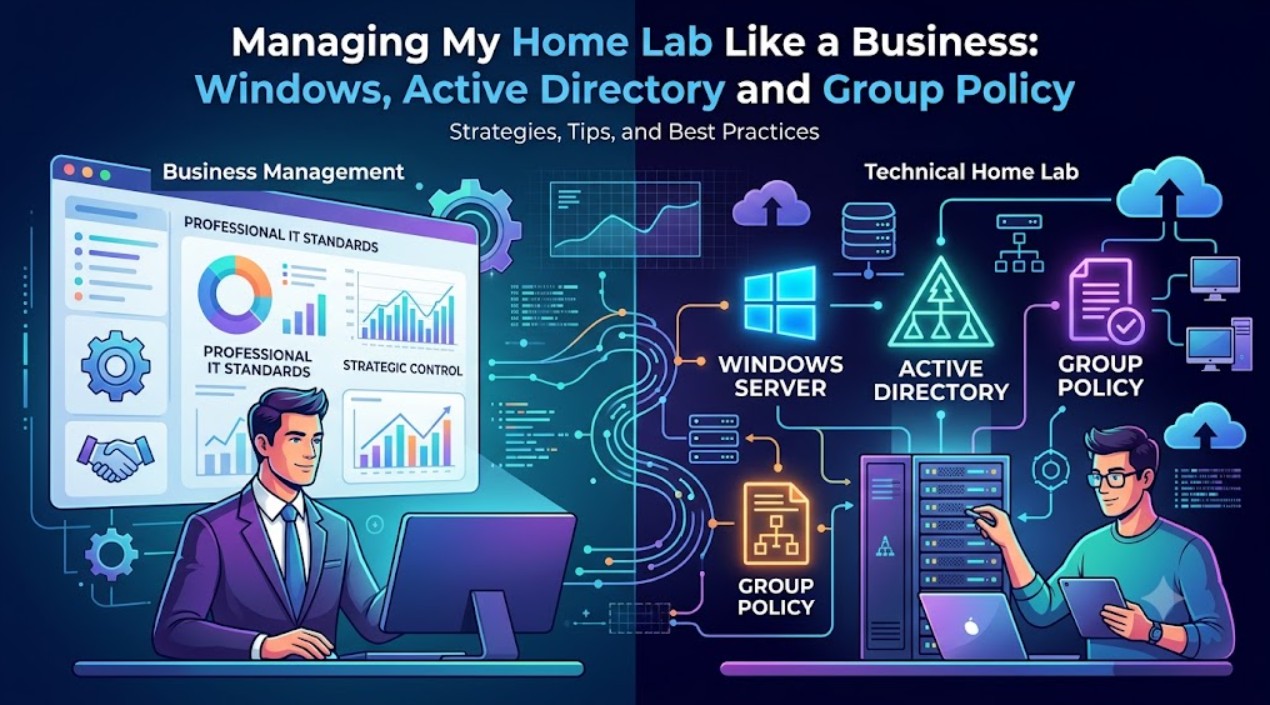
As Realm Labs expanded, manually configuring each Windows machine became inefficient. The solution was to introduce the same technologies used in many business environments: Active Directory and Group Policy.
Moving Beyond Standalone PCs
A collection of independent computers quickly becomes difficult to maintain.
Common challenges include:
- Different settings on each device
- Repeating the same configuration work
- Managing user accounts individually
- Keeping security settings consistent
A domain environment solves many of these problems by centralising management.
Active Directory as the Foundation
Active Directory provides the identity and management layer for Windows devices.
It allows:
- Centralised user accounts
- Computer registration
- Authentication
- Policy deployment
- Organised administration
Instead of each machine operating independently, devices become part of a managed environment.
Organisational Units
A key part of keeping Active Directory manageable is organisation.
Organisational Units (OUs) allow devices and users to be grouped logically.
Examples:
ORDER.REALM

├── Users
│
├── Computers
│
├── Older PCs
│
├── Virtual Machines
│
└── Test Devices
This structure allows different settings to be applied where required.
Group Policy Management
Group Policy is one of the most powerful features of Active Directory.
It allows administrators to configure Windows environments centrally.
Examples include:
- Desktop settings
- Security policies
- Drive mappings
- User experience settings
- Login behaviour
- System restrictions
Instead of changing every machine individually, policies can be deployed automatically.
Managing User Experience
A managed environment also improves consistency for users.
Settings such as:
- Network locations
- Desktop configuration
- Application behaviour
- User preferences
can all be controlled centrally.
This creates a smoother experience across multiple devices.
Real-World Lessons
Running a domain environment at home provides valuable experience because the same challenges appear as they do in business environments.
Examples include:
- DNS issues
- Incorrect policy targeting
- Permission problems
- Slow sign-in experiences
- Configuration conflicts
Troubleshooting these issues is where much of the learning happens.
Why Build This at Home?
The purpose is not to over-engineer a home network.
The purpose is learning.
A home lab provides a safe environment to experiment with:
- Enterprise technologies
- Administration techniques
- Automation
- Troubleshooting
without impacting a production environment.
Future Improvements
Future plans include:
- Further Group Policy automation
- Improved deployment methods
- More testing environments
- Better documentation
- Additional monitoring
Conclusion
Adding Active Directory transformed Realm Labs from a collection of computers into a managed ecosystem.
The same principles used in professional IT environments can be explored at home, providing valuable skills while making the lab easier to operate.
A good infrastructure is not only about what runs — it is about how it is managed.